How to Track Video Views
Read play activity, watch time, skips, and completion for a privately shared video.
On this page (8 sections)▼
To track a privately shared video's activity, use a hosting or sharing tool that records playback events, then review its definitions for plays, watch time, seeking, and completion. A link open and a video play are not necessarily the same event.
Start with a harmless test video so you can compare the activity you performed with the report the tool produces.
1. Define what you want to learn

A product demo, training clip, and client walkthrough call for different questions. Choose the question before choosing a metric.
| Question | Useful event or measure | Important limit |
|---|---|---|
| Was playback started? | Play event or platform-defined video view | May not establish attention |
| How far did playback progress? | Completion or progress events | Seeking can affect interpretation |
| Which section was revisited? | Seeking or repeated playback activity | Reason remains unknown |
| Which account accessed it? | Captured identity | Account is not proof of physical viewer |
Do not use ordinary document-page time as if it were necessarily video watch time.
2. Upload a reviewed playable file
Check picture, speech, captions or a written equivalent, duration, and the ending. Remove internal material that does not belong in the external copy.
Use a file format supported by the selected service. The ability to upload a video does not guarantee the depth of analytics you need. Check playback support and reporting entitlement separately.
Set the audience and access policy before sending. If identity matters, use an appropriate verification workflow; if the clip is intentionally public, avoid inventing person-level attribution.
3. Test a known playback sequence
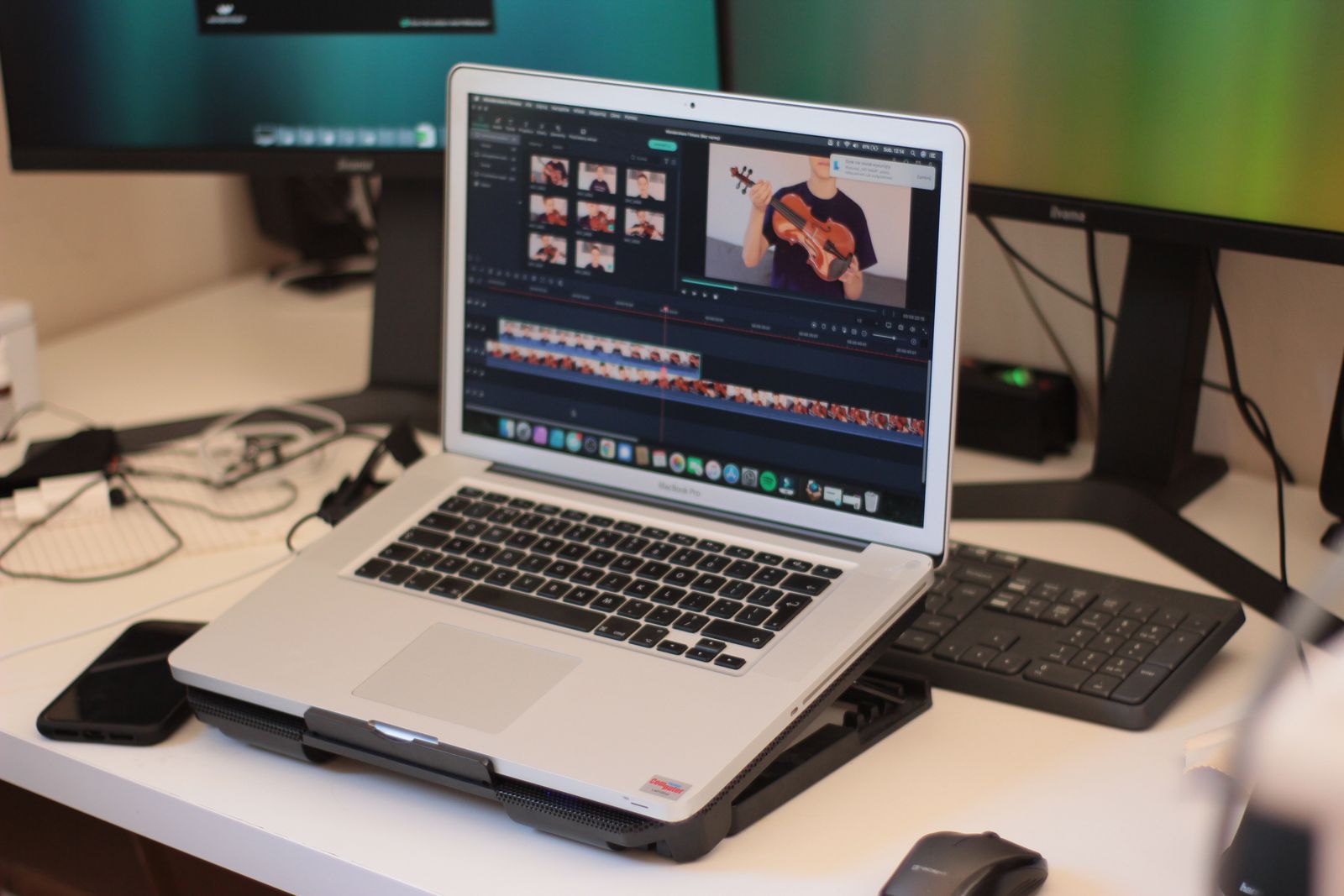
Use the recipient link and perform a simple documented test. For example, start playback, pause, seek to another section, and finish. Note the test time and device.
Then inspect the report:
- Did opening the viewer create a separate event?
- Did pressing play create an event?
- Were pauses and seeks recorded?
- What changed after reaching the end?
- How was your identity represented?
This is a suggested test, not an executed demonstration. Its purpose is to make the tool's counting behavior concrete before you interpret another person's activity.
4. Read video metrics using their own definitions

SendNow's engagement documentation describes video-specific watch time, play/pause/seek counts, and progress quartiles in place of document-page bars. SendNow: Page and video engagement Its plan comparison also identifies video analytics as an entitlement to check. SendNow: Plan comparison
Do not assume another platform defines the same labels identically. A replay can change cumulative watch time; a seek can reach a later position without watching everything before it.
Keep event counts separate from verified people. A single account may start the same clip several times.
5. Use activity to improve the next conversation
If a client says a step was unclear, review that section of the video and provide a clearer explanation. Analytics can add context but should not override what the person actually tells you.
A useful message is:
Was the walkthrough clear? I can send a short explanation of the setup step if that would help.
Avoid saying the video proves a person completed training or understood a policy. When comprehension matters, use an appropriate question, acknowledgment, or assessment alongside viewing activity.
Investigate surprising results
Check test visits, autoplay behavior, repeated sessions, seeking, date scope, and whether the report combines several links or versions.
If the data seems inconsistent, reproduce one small action with a harmless clip and ask the provider about the event definition. Do not invent a correction factor or remove entries merely because they look inconvenient.
For exported reports, preserve the video version, reporting scope, and the metric definitions so another person can interpret the numbers accurately.
Frequently asked questions
Does autoplay count as a view?
That depends on the platform's event rules. Test it or consult its documentation rather than assuming every service counts plays identically.
Does full completion prove attention?
No. Playback progress is not proof of uninterrupted attention or understanding.
Can I identify every viewer?
Only to the extent supported by your identity settings and the platform's attribution model. Anonymous visits and shared accounts limit person-level claims.
Before you share
Use the correct video events, test their meaning, and preserve the limits when reporting them. Playback analytics provide context about activity, not a reading or learning certificate.
Related articles
Sources and editorial disclosure
Primary documentation reviewed October 11, 2026. Product settings and entitlements can change; use the linked help for current details.
VDR Directory is published by the SendNow team. SendNow is included where relevant to the task. This guide is based on public documentation and editorial recommendations, not a claim that a signed-in product demonstration was performed. Stock photos illustrate the topic; they do not show the described product interface or prove feature behavior. Examples and verification checklists are illustrative unless explicitly stated otherwise.
Related Guides & Research
Recommended next reading for deal teams and transaction leaders.
How to Track Pitch Deck Views
Use slide-level activity to understand which parts of a pitch were opened and prepare a relevant follow-up.
Are Your Document Views Real?
Investigate automated opens and repeated sessions before using view counts for follow-up.
Fix Missing Audio in Shared PowerPoint
Diagnose missing sound by checking media links, browser behavior, export settings, and supported formats.