Are Your Document Views Real?
Investigate automated opens and repeated sessions before using view counts for follow-up.

On this page (8 sections)▼
Unexpected document views can come from your own tests, repeat sessions, forwarded access, or automated security activity. Investigate the pattern before using a count to decide that a prospect has read your document.
Start with the platform's definition of a view. Then compare timestamps, identity, activity depth, and any filtering the provider documents.
1. Find out what the platform counts
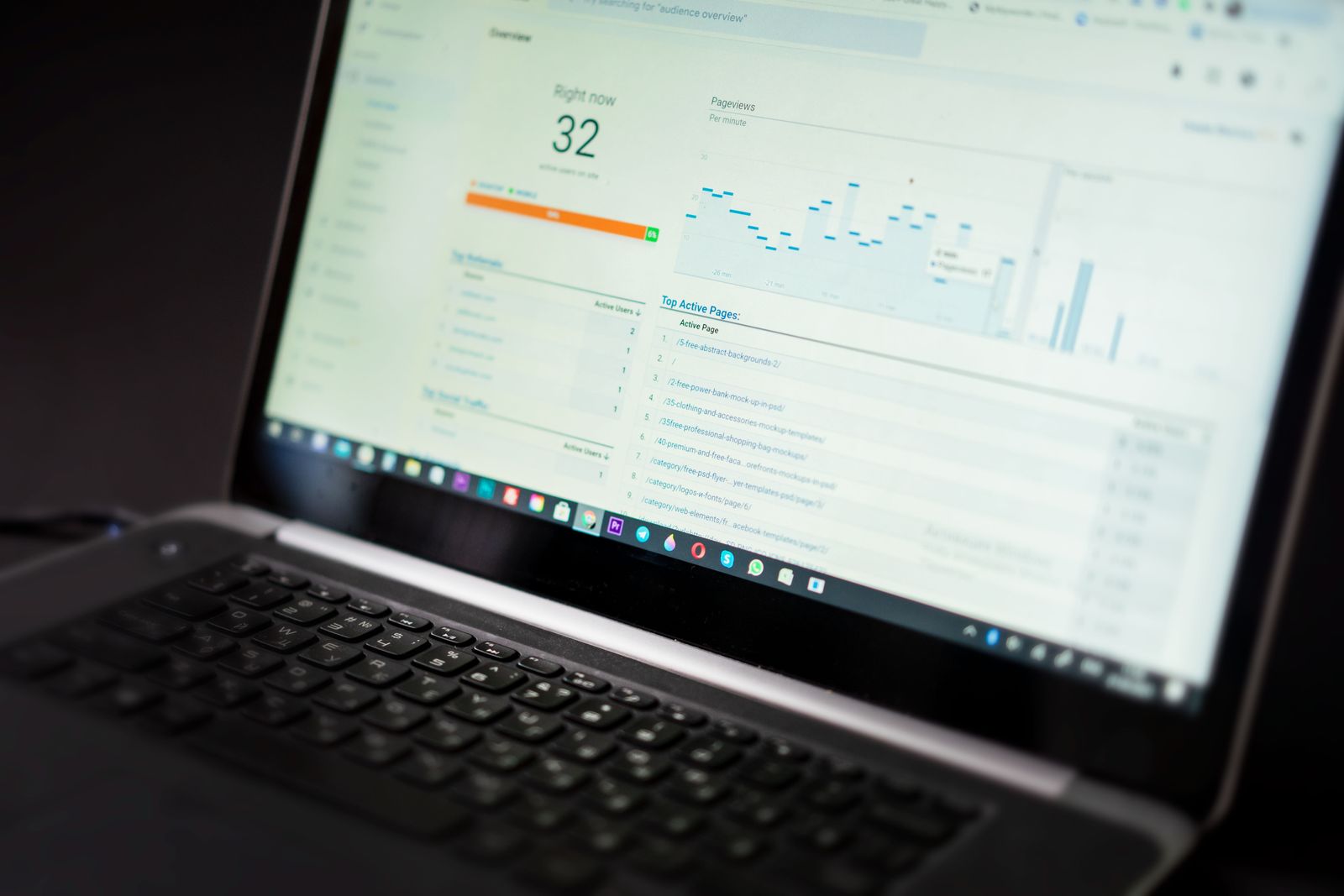
A URL click, viewer load, document session, and engaged page visit are different events. Ask which one the chart calls a view.
Check:
- Whether blocked access can create a record.
- Whether repeated visits are separate sessions.
- How unique visitors are identified.
- Whether owner previews contribute to counts.
- Whether automated activity is filtered or labeled.
SendNow's overview help distinguishes account-wide totals and describes its unique-visitor rule. SendNow: Analytics overview That definition is specific to the product; do not apply it automatically to every tool.
2. Recognize that security scanning exists
Email security systems can scan links before delivery or when a link is clicked. Microsoft's Safe Links documentation describes URL scanning and related checks. Microsoft: Safe Links URL scanning
That establishes a reason to investigate automation. It does not establish that every scan opens your document viewer or increments its analytics. Whether an automated request becomes a recorded view depends on both systems' behavior.
Do not ask recipients to disable security protections to improve your analytics. Investigate the reporting definitions and provider-side handling instead.
3. Compare clues without declaring certainty

Use several clues together. None is a reliable universal bot detector.
| Observation | Possible explanation | Why it is not proof |
|---|---|---|
| Activity immediately after sending | Automation or a prompt reader | Timing alone cannot distinguish them |
| Very short activity | Scanner, accidental open or quick skim | Humans also leave quickly |
| Repeated similar requests | Automated process or repeat sessions | Device and network behavior can repeat |
| Later identity-verified engagement | Account completed an access flow | Still not proof of comprehension |
This is an investigation table, not data from a real customer campaign. Keep the uncertainty in your notes.
4. Reproduce a harmless comparison

Create a sample link and send it to a test mailbox you control. Note the send time. Wait until you intentionally open the link, then record your viewing actions.
Compare the timeline before and after the intentional open. If activity appears earlier, ask the provider what generated it. Do not assume every pre-open event has the same cause.
Repeat only when a changed condition helps answer a specific question, such as a different mailbox environment or link policy. Avoid testing against client identities without authorization.
5. Keep raw records and documented filters separate

If the service offers filtered views, compare them with the raw or available visitor records. Record what the filter removes and whether you can explain the criteria.
Do not delete ambiguous events just to produce a cleaner sales report. A useful summary might say:
Recorded activity includes several short visits of uncertain origin. Later verified access is visible, but the report does not establish complete reading.
Preserve date range, link scope, version, and test notes so another colleague can understand the analysis.
Choose follow-ups using more than a chart
A suspicious or ambiguous event should not trigger a message claiming the prospect read a particular page. Use the stage of the conversation, agreed timing, and the person's response.
A simple question is more useful:
Checking whether the document was accessible and whether you have any questions.
If noisy analytics repeatedly affect your workflow, ask the vendor for its event definitions, automation handling, and export options. Do not invent a correction percentage for bot traffic without evidence.
Frequently asked questions
Can email scanners interact with links?
Yes, security systems can inspect URLs. Whether that produces a document-view record depends on the systems involved and should be checked.
Can I reliably identify every bot?
No universal rule distinguishes every automated request from a person. Use documented provider signals and cautious interpretation.
Does a short visit mean the recipient was not interested?
No. It can reflect several causes, including interruption, access problems, quick reading, or automation.
Before you share
Understand the event definition, investigate the pattern, and keep uncertainty visible. A careful activity report is a better basis for follow-up than a raw count alone.
Related articles
Sources and editorial disclosure
Primary documentation reviewed October 11, 2026. Product settings and entitlements can change; use the linked help for current details.
VDR Directory is published by the SendNow team. SendNow is included where relevant to the task. This guide is based on public documentation and editorial recommendations, not a claim that a signed-in product demonstration was performed. Stock photos illustrate the topic; they do not show the described product interface or prove feature behavior. Examples and verification checklists are illustrative unless explicitly stated otherwise.
Related Guides & Research
Recommended next reading for deal teams and transaction leaders.
Restrict a Document to Specific Emails
Limit access to intended recipients and distinguish an allowlist from simply asking viewers to type an email.
How to Create a Document Microsite
Build an organized document page with clear file labels, navigation, and a useful next step.
How to Export Document Analytics
Export engagement data and preserve the link, date range, file version, and metric definitions needed to interpret it.